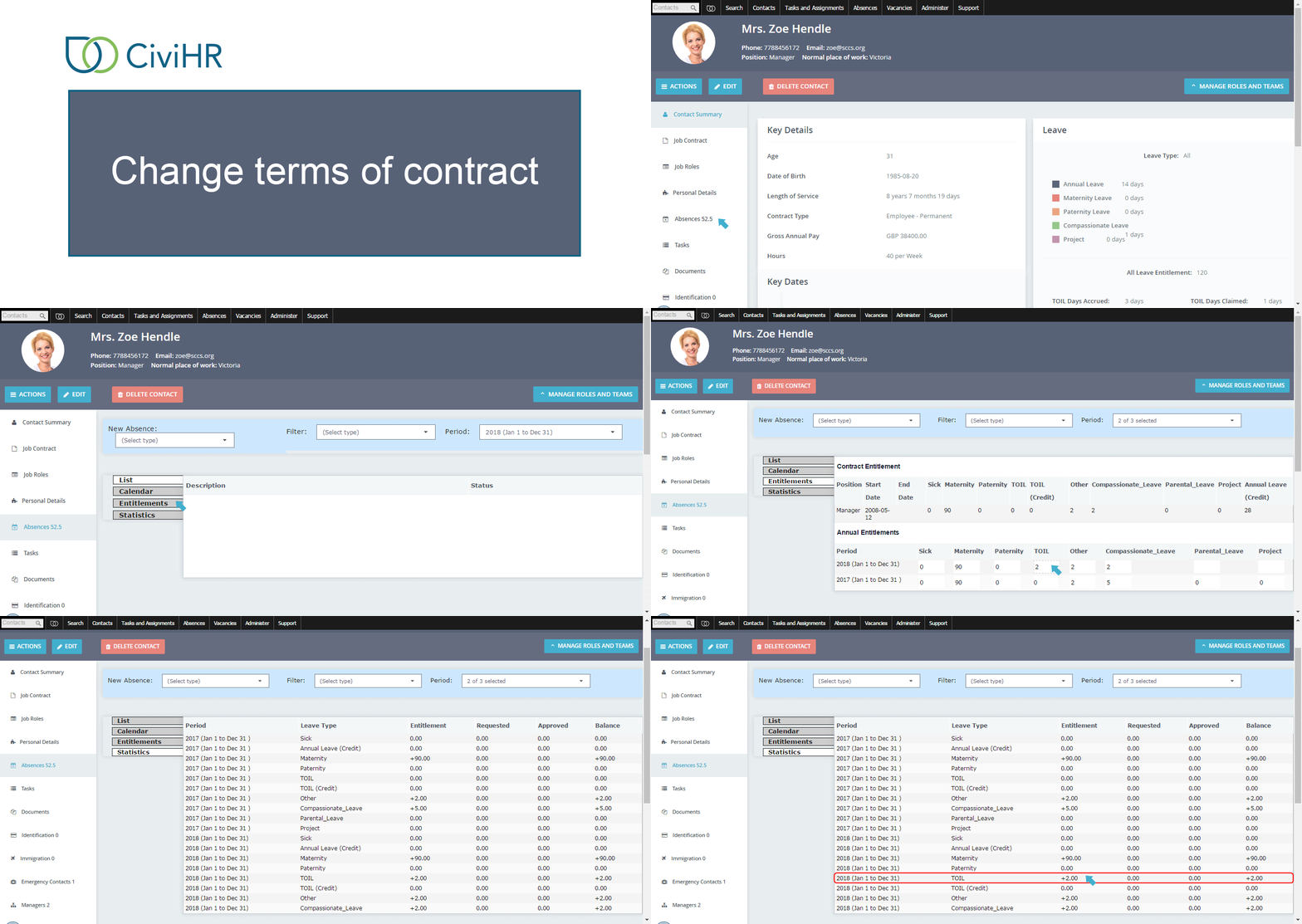
Absences
This tab contains all leave, TOIL and sickness related information about the staff member.
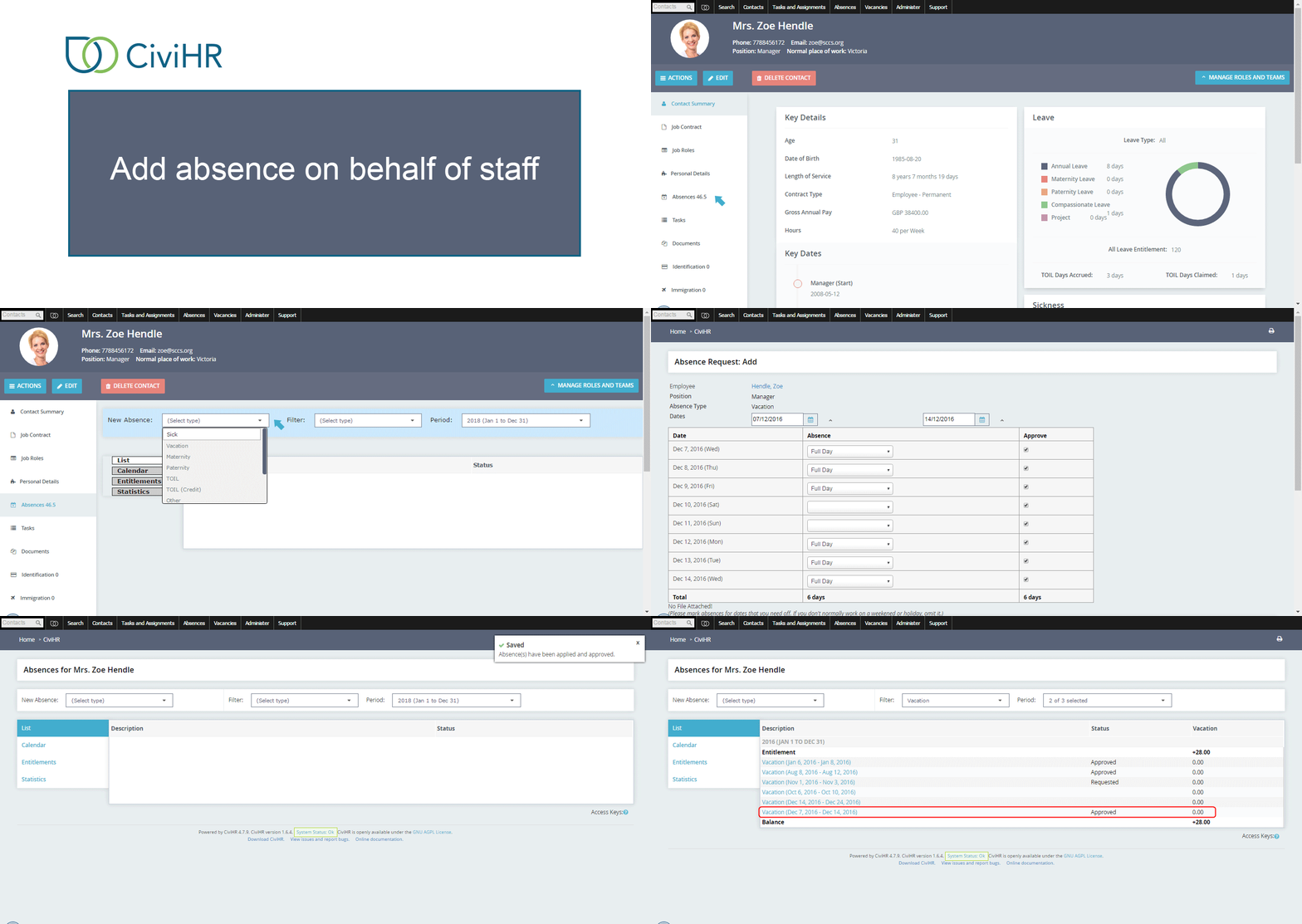
Add absence on behalf of staff
You can add a sickness report or leave record at any point in time on behalf of a staff member. Select the appropriate absence type from the New Absences dropdown, and complete the form that opens up. The staff member will be notified via email.
View absence history
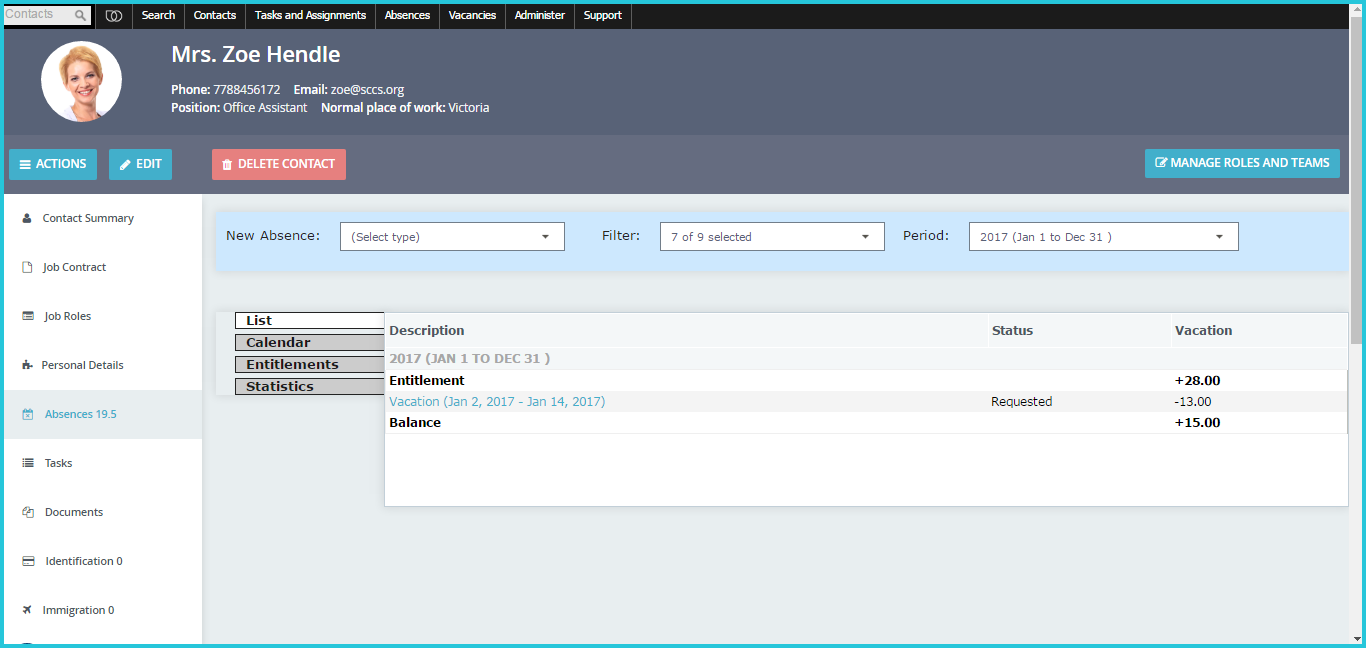
You can look at the leave and sickness history for the staff member by clicking on the List or Calendar tabs. Records can be filtered by Absence Type or Period. The Statistics tab shows you the calculations behind the number of days of leave taken and remaining.
Add or change leave entitlement
Contract entitlement contains the number of days of leave of each type that the staff member can take for the full absence period, as per their contract.
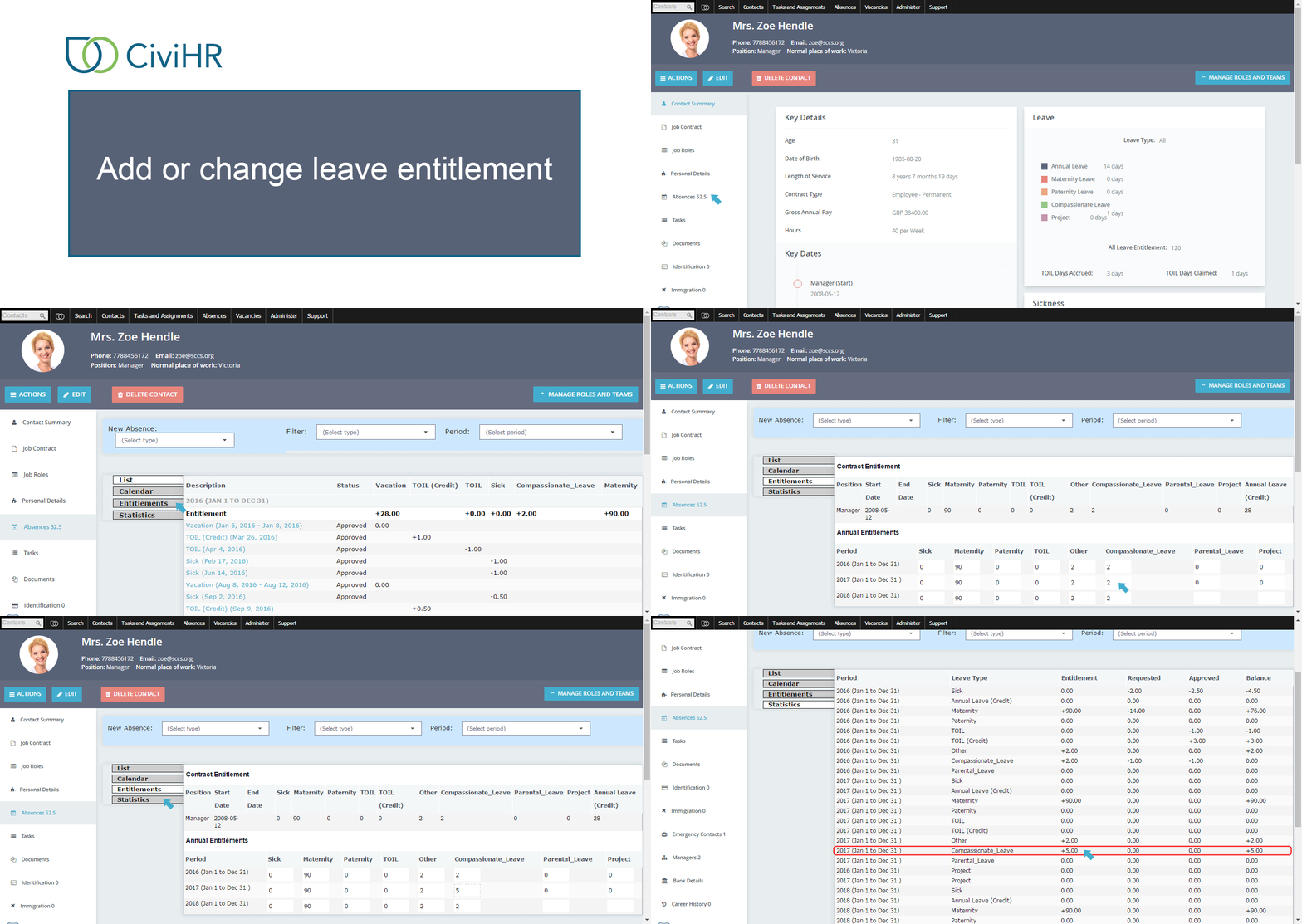
Annual entitlement contains the number of days of leave of each type that the staff member can take in a particular absence period. For instance, input pro rata leave entitlement when a staff member joins or exits mid-year.
Add or change TOIL balance
You can add Time off in lieu balance on behalf of a staff member by typing directly into the TOIL (credit) field.